
HackMyVM Low-Latency Notes: Setting Up a German VPS as an SSH Jump Host

Goal
Connecting to HackMyVM from Taiwan means painfully high latency → so I rented a VPS in Germany to act as a "jump host." Every connection is routed to Germany first, and Germany then connects to HackMyVM. The result: dramatically lower latency and much better stability.
Architecture
Local machine (Kali) ⇄ German VPS (jump host) ⇄ HackMyVM target host
Setting Up the VPS
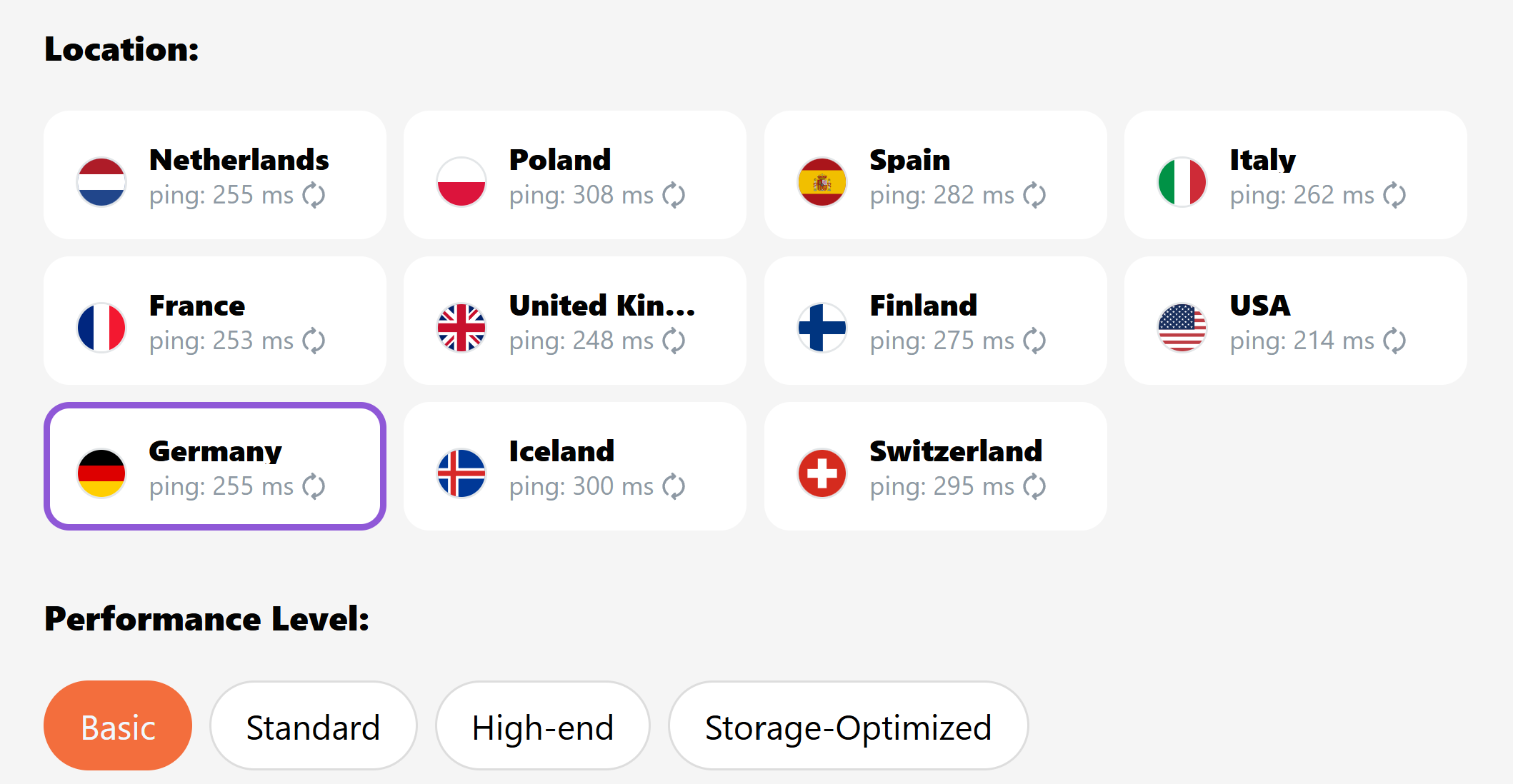
- Datacenter: Germany (Frankfurt or Nuremberg both work)
- Operating system: Ubuntu 22.04 Server (lightweight and stable)
- Recommended specs:
- Minimum: 1-2 vCPU / 2 GB RAM / 20-40 GB SSD
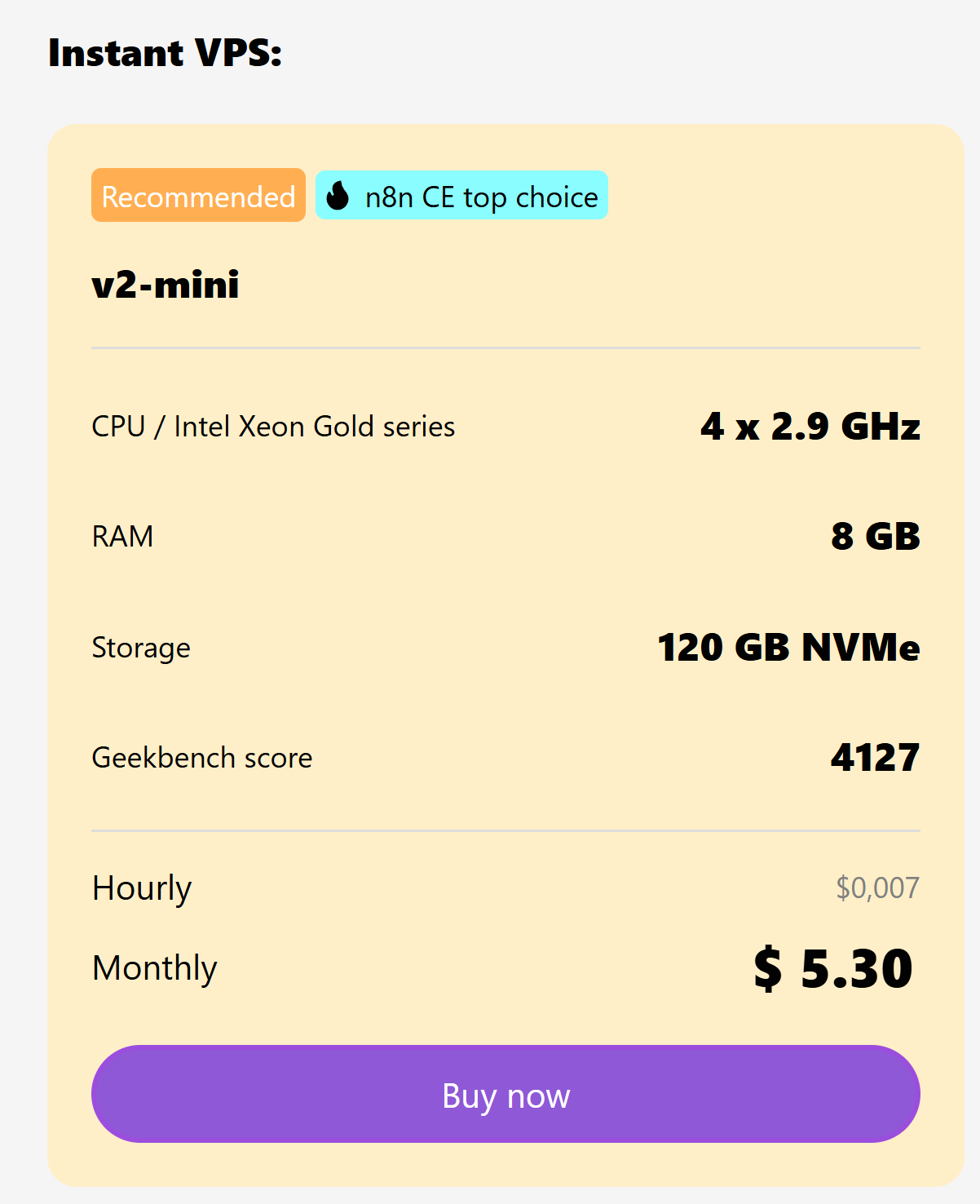
- 💰 Real-world example: I use HostKey's German datacenter with a 4 vCPU / 8 GB RAM plan for NT$168/month (about €4.5). For use as a jump host, that's more than enough horsepower.
Buy VPS Server Hosting | Virtual Server Hosting from €1 | HOSTKEY
Buy VPS server hosting for high performance, flexibility, and security. Get started with virtual server hosting from €1/month at HOSTKEY.

- Other providers worth considering: Netcup, Hetzner
- SSH key: Add your local public key (
id_ed25519.pub) to the SSH keys section of the VPS control panel
First Login & Creating a User
Log in first as root or the default account (e.g. ubuntu)
Run the following on the VPS:
# Create a user (e.g. your own account) and grant sudo privileges
adduser --disabled-password --gecos "" your_account
usermod -aG sudo your_account

# Set up the SSH public key (paste the contents of your local ~/.ssh/id_ed25519.pub)
install -d -m 700 -o your_account -g your_account /home/your_account/.ssh
cat > /home/your_account/.ssh/authorized_keys
# ← Paste the full public key here, press Enter, then Ctrl+D to finish input
chown your_account:your_account /home/your_account/.ssh/authorized_keys
chmod 600 /home/your_account/.ssh/authorized_keys
Connecting in Practice
On your local Kali box, just run:
# Example: HackMyVM target [email protected], SSH port 5000
ssh -J your_account@<VPS_IP> -p 5000 [email protected]
Quick Troubleshooting
| Problem | Solution |
|---|---|
| VPS still asks for a password | Check that the public key is placed correctly<br>~/.ssh permissions are 700<br>authorized_keys permissions are 600<br>the file owner is correct |
| Connecting to HackMyVM requires a specific port | Use -p <PORT> (e.g. -p 5000) |
| Connection hangs | Add -vvv for verbose output<br>use ping/traceroute to verify the network path |
✅ Results
- Direct connection: Taiwan → HackMyVM = high latency, unstable
- Via jump host: Taiwan → German VPS → HackMyVM = low latency, smooth and stable
- Cost-effectiveness: NT$168/month is all it takes to massively improve the practice experience
Member discussion